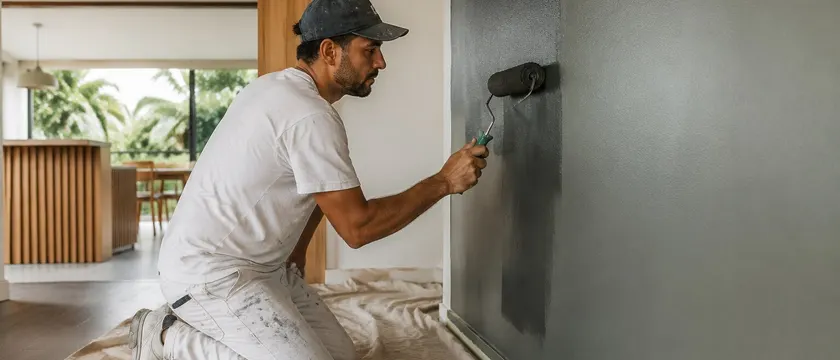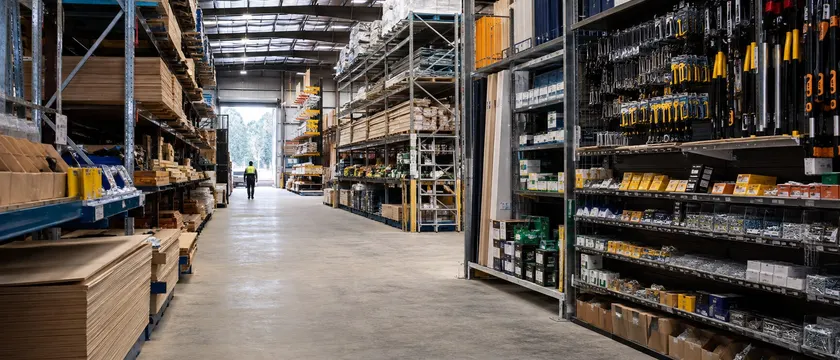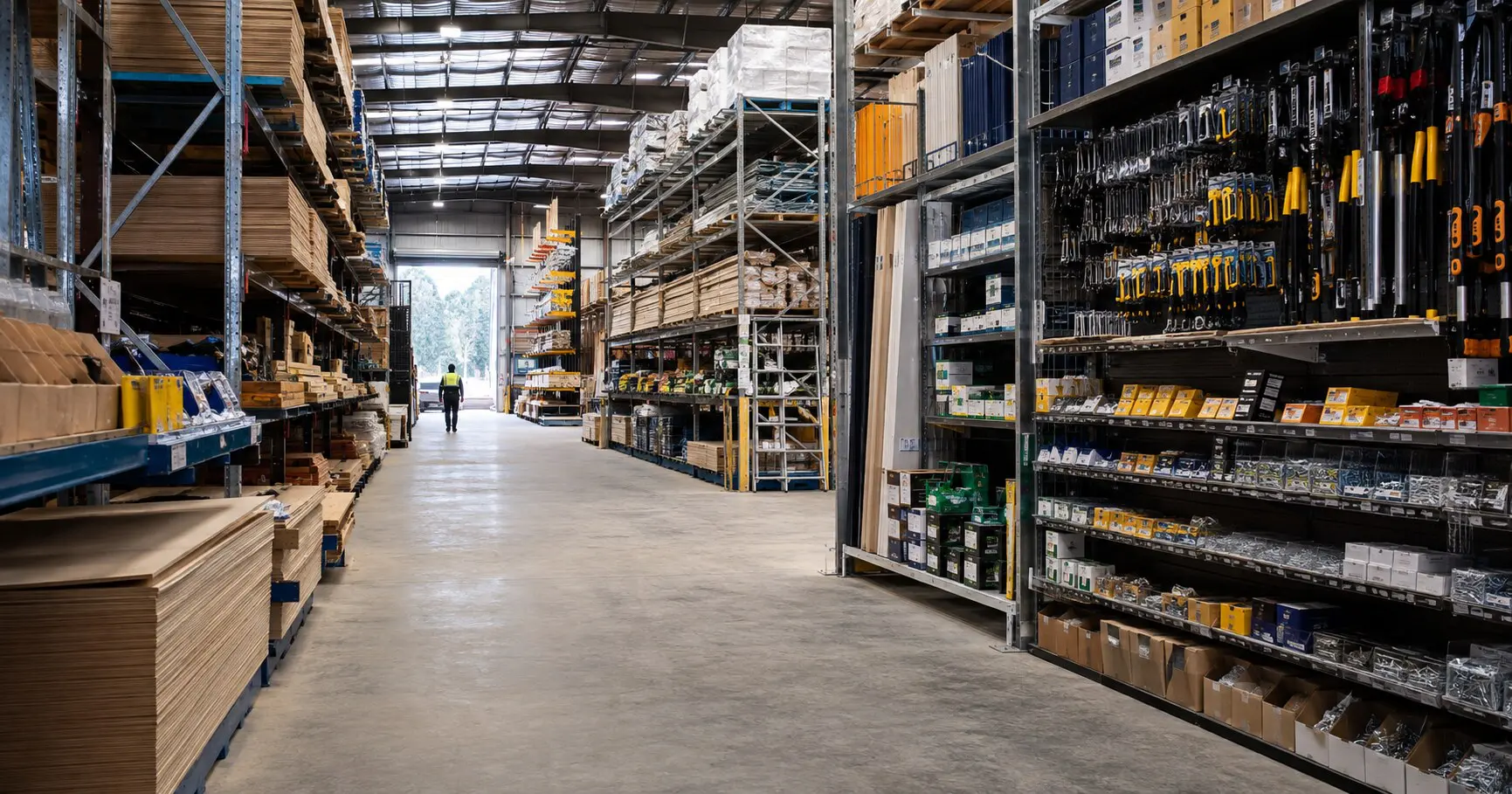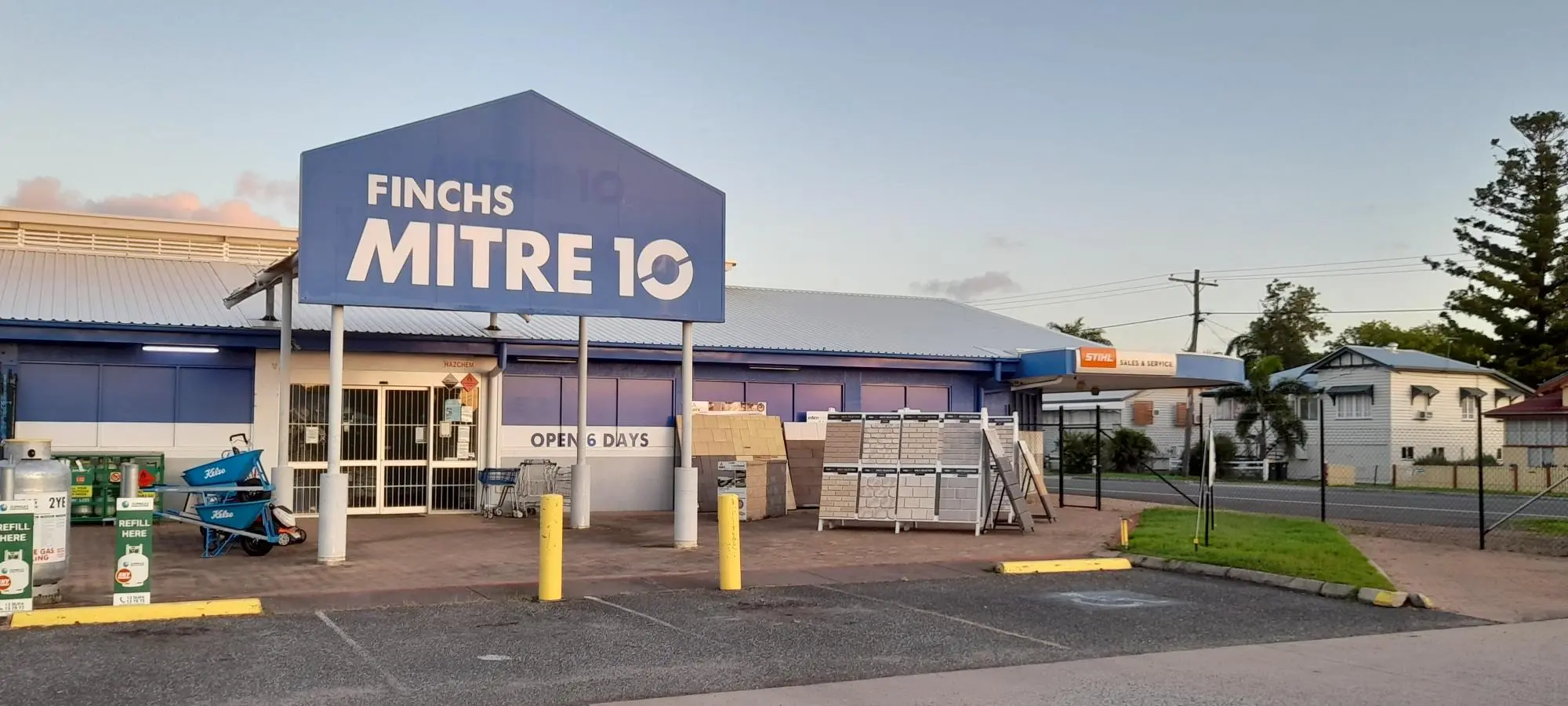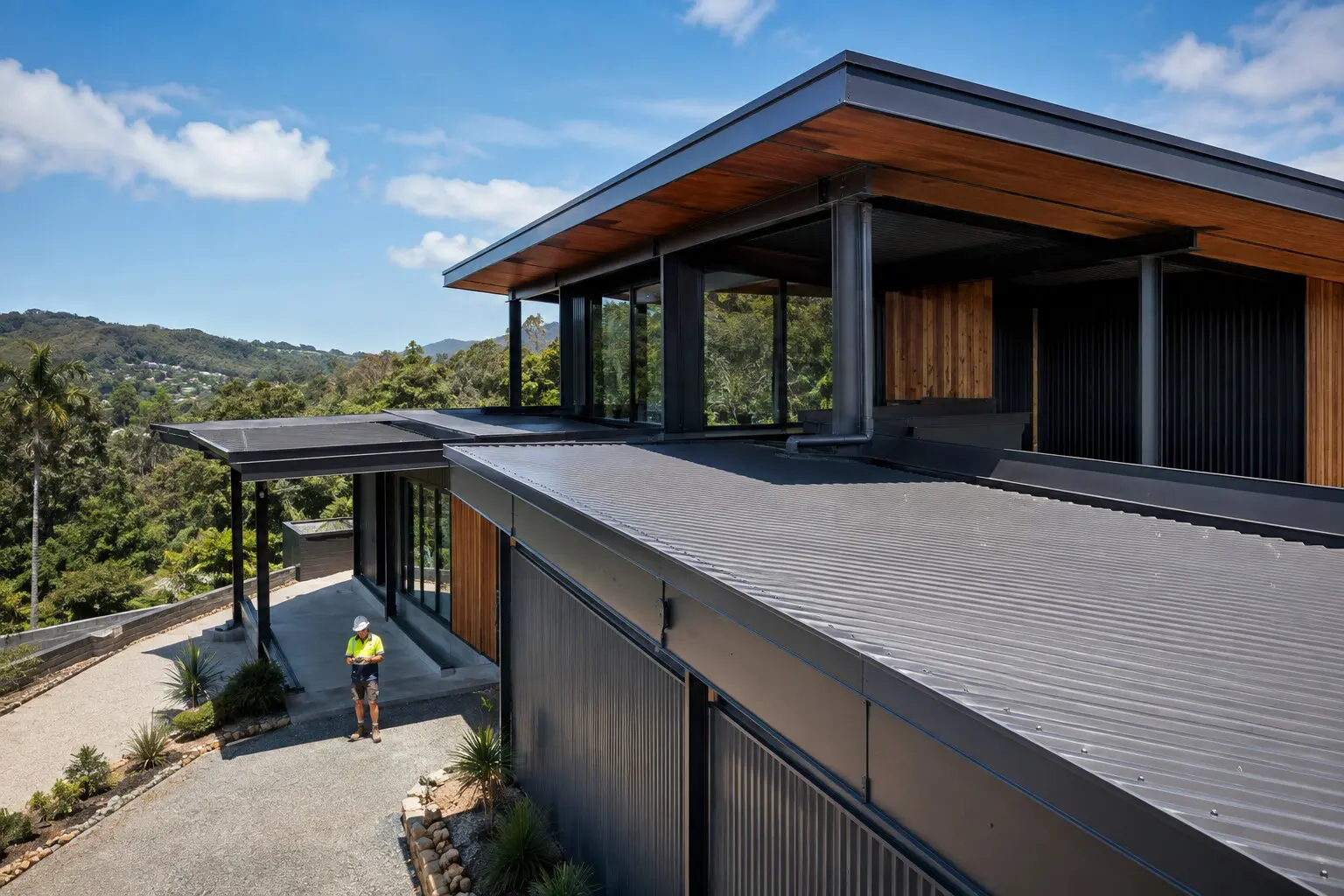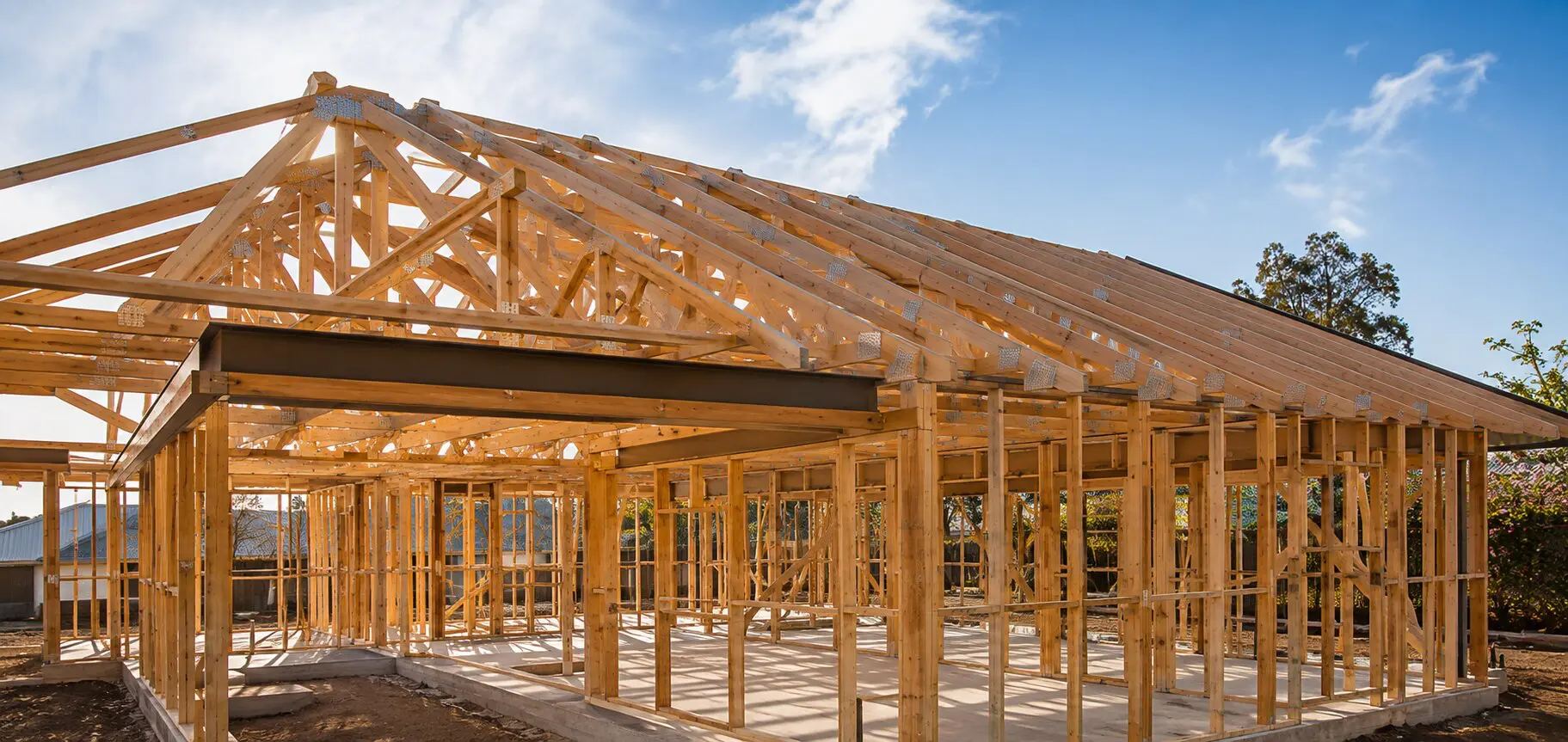
Irons Mitre 10 project imagery
Hardware & Building Supplies

Rockhampton & Capricorn Coast

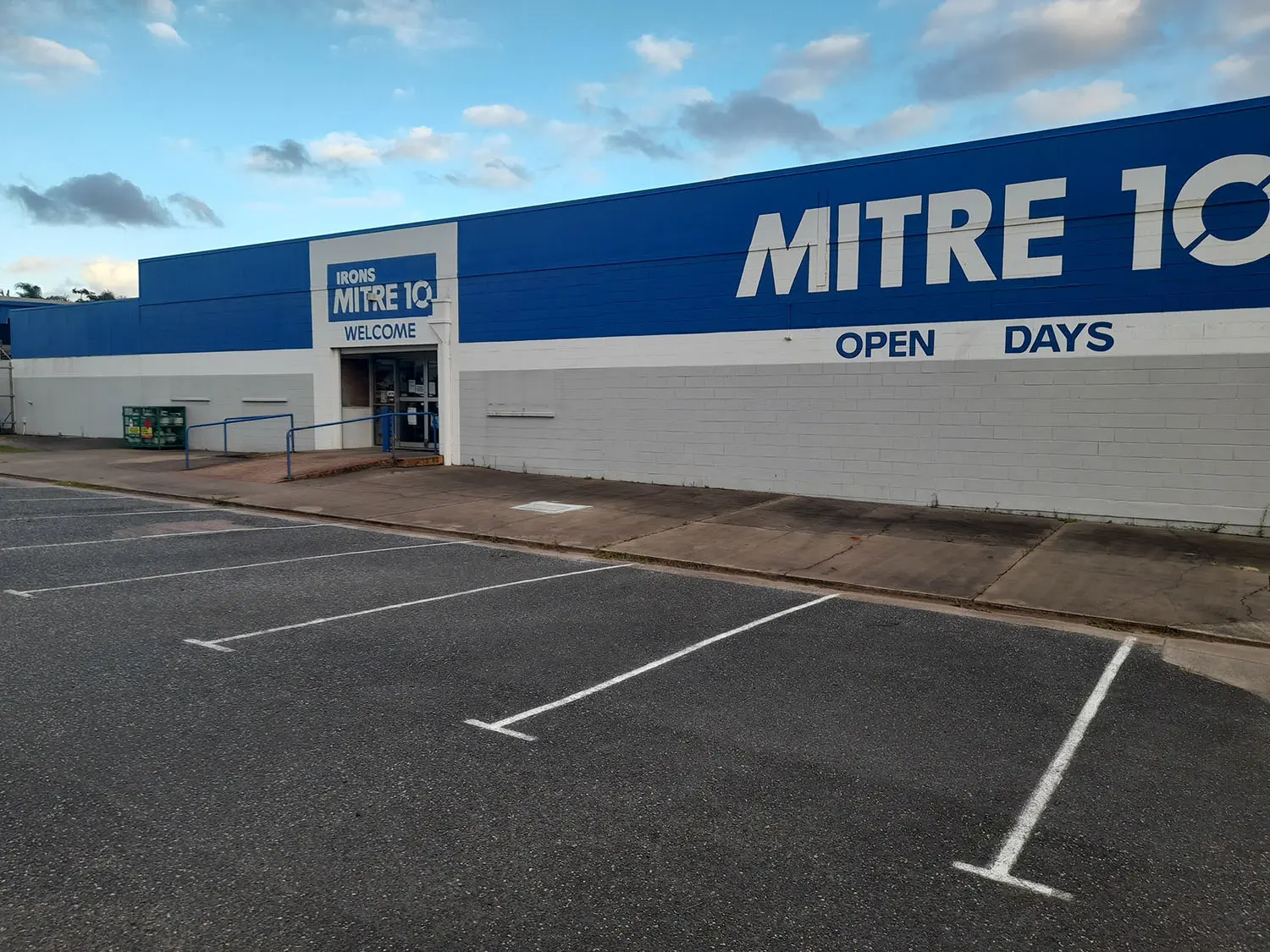
Irons Mitre 10

Irons Mitre 10 connects customers in Rockhampton and the Capricorn Coast with hardware, tools and building materials. Explore the key product areas below or send the team an enquiry about your project.

The Woodman Group of CompaniesPart of The Woodman
Group of Companies
Local capability

Practical support for hardware, tools and building materials.

Browse the principal product and service areas associated with Irons Mitre 10, then use the enquiry form to discuss requirements for your project.

Product availability, specifications, lead times and delivery arrangements can be confirmed directly with the local team.

View capabilities
Shop online · collect locally

The Mitre 10 range, connected to your local store.

Browse the national Mitre 10 catalogue, add products to your cart and choose Irons Mitre 10 as your Click & Collect store during checkout.

  1. 1Browse onlineExplore the Mitre 10 catalogue.
  2. 2Choose your storeSelect Irons Mitre 10 at checkout.
  3. 3Collect locallyWait for confirmation before collection.
Browse every department

Start with a category.

Product range, pricing and availability are managed by Mitre 10 and may vary by store.

Hardware & Building Supplies

Products & services

A clear overview of the main product areas, with a direct route to ask about availability and project requirements.

01

Hardware

Ask the Irons Mitre 10 team about hardware, suitable options and current availability.

Enquire
02

Tools

Ask the Irons Mitre 10 team about tools, suitable options and current availability.

Enquire
03

Building materials

Ask the Irons Mitre 10 team about building materials, suitable options and current availability.

Enquire
04

Fixings

Ask the Irons Mitre 10 team about fixings, suitable options and current availability.

Enquire
05

Maintenance supplies

Ask the Irons Mitre 10 team about maintenance supplies, suitable options and current availability.

Enquire
06

Trade enquiries

Ask the Irons Mitre 10 team about trade enquiries, suitable options and current availability.

Enquire
Product information

Supplier brochures & catalogues.

Explore the catalogues below. Items marked “Sample preview” demonstrate the reader; their final supplier PDFs and current ranges are still to be confirmed. For product information, contact Irons Mitre 10.

Supplier catalogue preview

Makita

Sample preview · final PDF to be supplied

Supplier catalogue preview

DeWalt

Sample preview · final PDF to be supplied

Supplier catalogue preview

Milwaukee

Sample preview · final PDF to be supplied

Supplier catalogue preview

Paslode

Sample preview · final PDF to be supplied

Supplier catalogue preview

James Hardie

Sample preview · final PDF to be supplied

Supplier catalogue preview

Hume Doors

Sample preview · final PDF to be supplied

Need help choosing materials or checking specifications?

Ask the team
Irons Mitre 10 capability detail
Featured capability

Plan the next step with the local team.

Use the enquiry pathway to discuss hardware, tools and building materials, project requirements and the information needed before ordering.

01Product guidance
02Project enquiries
03Local connection
Irons Mitre 10

A little guidance.
A clearer next step.

Useful questions before you choose, order or enquire. Confirm the right specification and current availability for your project.

Browse advice & updates
How do I order online for Click & Collect?

Choose a category on this page to continue to the official Mitre 10 website. Check product availability, select the intended collection store and complete the order there. Wait for the store’s ready-for-collection notification before travelling. Mitre 10: how Click & Collect worksNext step: Read the Click & Collect guide · Choose a shopping department.

Does every Mitre 10 online product have the same local availability?

No. The online range and store ranges can differ, and collection eligibility depends on the item and location. Confirm the store and availability on Mitre 10 before checkout. A link from this website does not automatically reserve stock. Mitre 10: online shopping FAQsNext step: Check the local store details · Contact this store.

Where do I find the ten main shopping departments?

Use the category links above for bathroom and laundry, building materials, garden, hardware, home living, kitchen, electrical, outdoor, paint and tools. Product browsing and checkout take place on Mitre 10, not in WGC’s Sarina shop.Next step: Browse the Mitre 10 departments.

What should I check before buying materials for a renovation?

Bring your measurements, photos and a list of the surfaces or systems involved. Confirm compatibility and installation requirements for the exact product. For structural changes or specialist work, have the design and trade requirements settled before purchasing.Next step: Prepare a materials enquiry · Explore local structural timber.

What should I do if I cannot find an item online?

Contact the local store with the product name, model or a photo and the quantity you need. Ask about current options and availability. Do not assume that an item missing online is unavailable in every store. Mitre 10: online shopping FAQsNext step: Ask the local team · Browse supplier catalogues.

How do I contact Irons Mitre 10?

Use the contact section on this page and include your project or product details. The WGC contact directory also helps you find the right business. Where direct branch details are unconfirmed, the group assistance contact is clearly identified.Next step: Contact this business · Explore all WGC businesses.

Irons Mitre 10

Make an enquiry.

Tell Irons Mitre 10 what you are working on and which products or services you need. The enquiry will be routed through the Woodman Group website for follow-up.

Staging preview

Submissions are saved for review but are not emailed to the team. For a real enquiry, use the business contact details or call WGC on (07) 4952 9000. Please do not submit sensitive or live customer information here.

Read our privacy information before sharing personal information.

  • This field is for validation purposes and should be left unchanged.
  • Accepted file types: pdf, jpg, jpeg, png, Max. file size: 10 MB.
    Include a plan, site photo or drawing to explain your project. For CAD drawings, export to PDF first. Contact the team to share native CAD files, multiple files or files over 10 MB.